Migration
The Migration tab allows you to create packages of deployed processes and move from one environment to other. By default, Export is selected.
|
NOTE:
|
- Only a deployed process can be migrated.
- This option must be used to export and import processes from one environment to other. Process of one version must not be migrated to other version using this option. It is recommended to migrate the database in such scenarios where version of the product changes.
- If a process is exported after renaming it is considered as a new process at the time of importing it to other environment.
- Backward compatibility : In Automation studio, the ignore error will be set to NA by default when the processes are imported from older version than 17.5 to maintain the compatibility to process execution flow of older version. While importing the process from 17.5.2, you are required to add ProcessImportVersion key under primarysettings to enable the compatibility mode run for 17.5.2 processes.
|
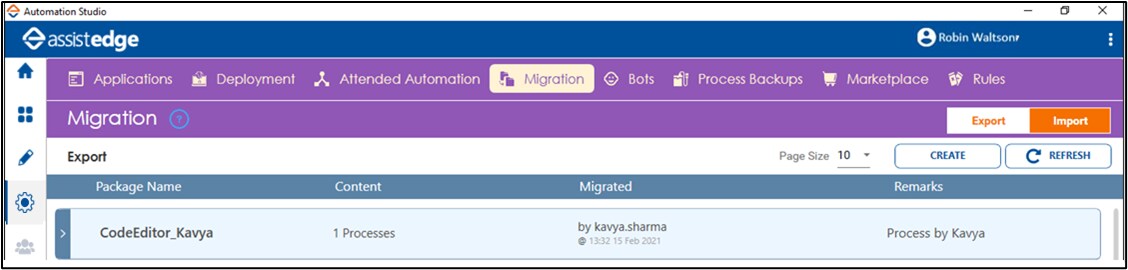
The system allows you to do the following: