Filter Criteria
By default, the task list is filtered to show only the automation requests that are in open status and are received within last one month. The filters can be modified through the filter section.
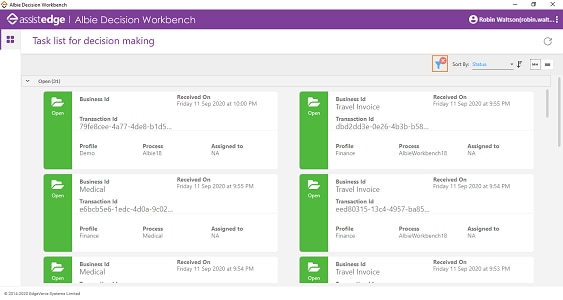
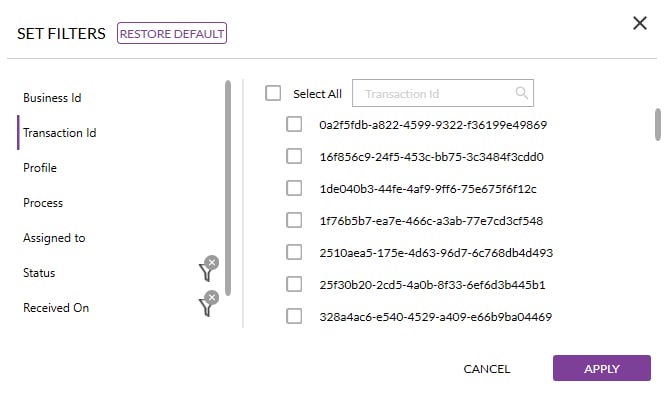
The task list can be filtered as per any of the column. Once the required filters are applied, the filter icon is updated to indicate the same.
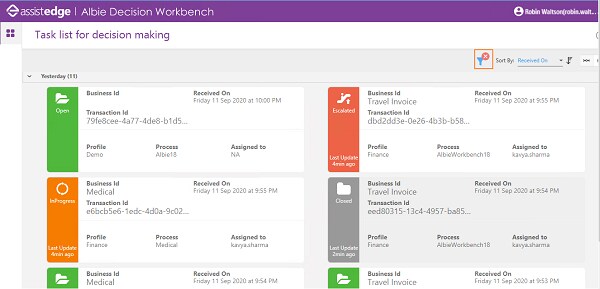
The default filters can be restored by clicking on “Restore Default” button available in filter section.
Related Topics