Role Based Access to Kibana Actions
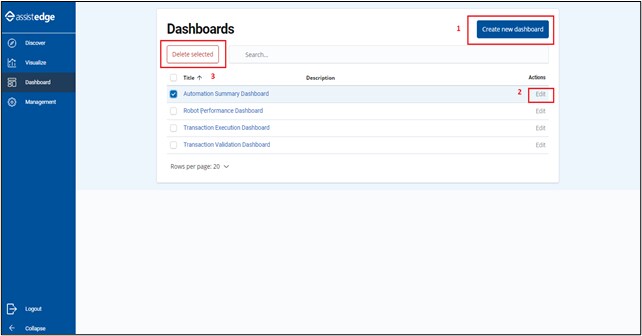
Any user irrespective of role can perform the following actions in Kibana:
- Add index patterns, scripted fields, reports and dashboards.
- Edit existing scripted fields, reports and dashboards.
- Delete index patterns, scripted fields, reports and dashboards.
- User can import ndjson files through save_objects import link which can override current schemas for reports
- User can update the Advanced settings in reporting
- In Discover tab, user can save any new discover with existing index pattern.
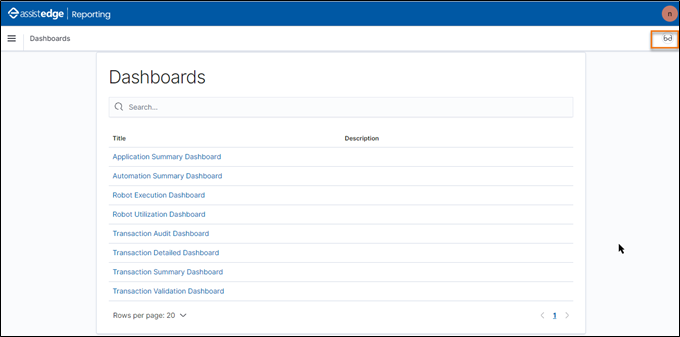
Following page appears when you do not have edit permission. This page will only allow you to view the dashboard data.
This functionality will be always enabled and only user with <Super_Admin> role will have access to perform these operations. You can configure the role access as per your preference from the Admin Module. For more information about the role access, see Specify role access section in the AE-RPA-Administrator Guide.