Login to Decision Making
- Open Admin Module in a browser.
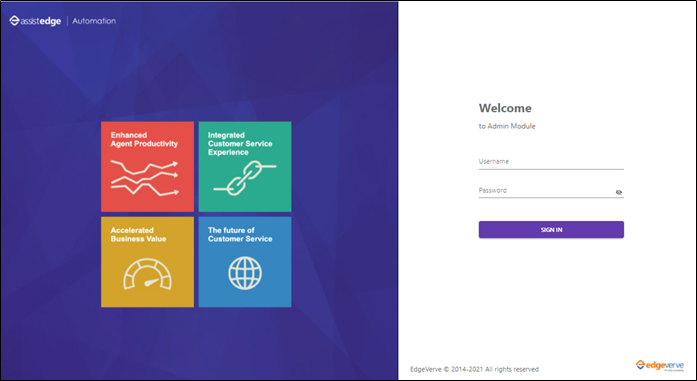
- Enter Username and Password and click SIGN IN. The Admin Module page appears.
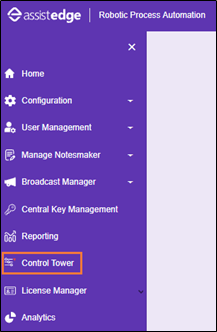
- Click Control Tower. The Control Tower page appears.
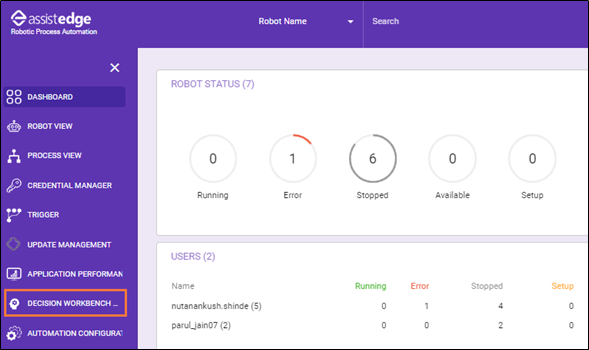
- Click DECISION WORKBENCH. The decision workbench homepage appears.
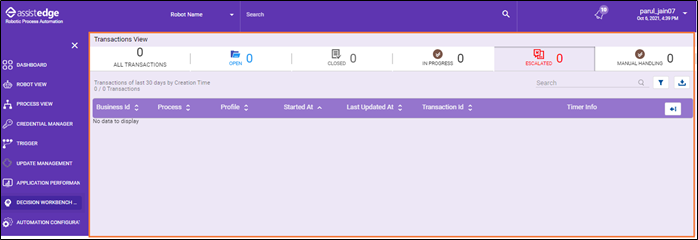
|
NOTE: |
This is a default homepage of decision workbench. Applicable, if the Decision Workbench process is not created in the Studio or the robot is not created to trigger the Decision Workbench process. |