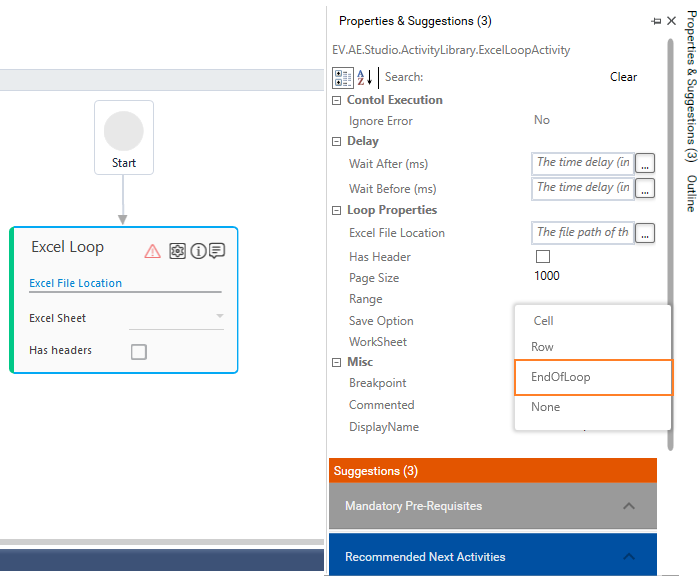
Excel Loop Issue
If you are getting below error during Setup Environment or Test Run:
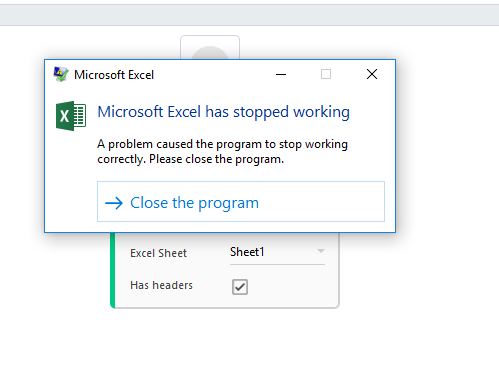
You need to disable application Add-ins from excel. To remove Add-ins from excel, you need to perform below steps:
- Go to Excel options and select Add-ins tab.
- Under Active Application Add-ins, you need to remove additional Add-ins (E.g.: WebEx Integration Add-ins).
If the user doesn’t have access to remove Add-ins, you need to change save option as “End of loop” under properties tab of the excel loop activity in Automation studio so that automation is not impacted.