Sentiment Analysis
The Sentiment Analysis provides an overall visual representation of customer’s sentiment, based on previous feedback by the customer, that makes you more equipped to interact with the customer.
To get a customized sentiment analysis, under C-View, an automation process is created in the Automation Studio. This process involves checking the Default Parsing checkbox, which automatically creates two output arguments, Sentiment and Score, and marks them as C-View. Once the process is deployed, the Sentiment Analysis, based on these arguments, is displayed under C-View.
For more information, see to Language section under Cognitive Services in AutomationStudio-CanvasTools-Volume 1.
To get the Sentiment Analysis under C-View:
- Go to the left panel on Engage and under Initiate Search select the process created in Automation Studio for Sentiment Analysis.
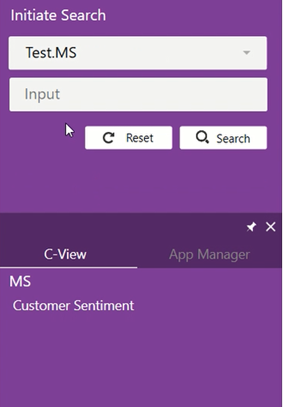
- Enter the inputs to the process in the Input field (for example, customer feedback), and then click Search.
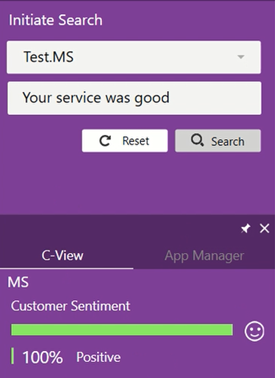
The search result is populated under C-View as Customer Sentiment with a positive, negative, or neutral response.