Troubleshoot
Error during Sign In
During sign in, if application(s) fail(s) to login, an error screen appears.
- Click Yes to launch Engage even if few applications fail to sign in.
- Click No to cancel the launch.
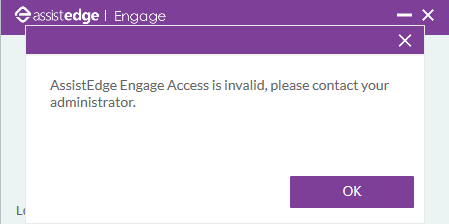
Invalid Engage Access
During sign in, if there is an error,
- Contact your system administrator
OR
- Click Send Logs on the upper-right of the Signin Manager window, if there is an error during sign in. The system composes an email with the logs as an attachment and Engage application screenshot as an email body. Send it to the system administrator or the support team.