Search a Query within AssistEdge Engage
This feature helps you to launch the browser within the Engage client. The browser can be used as one of the applications in Engage UI. You can search a query without switching between the browser and Engage. Navigate to MAIN MENU > Utilities > GoTo- to dock the browser as a new tab in the application container.
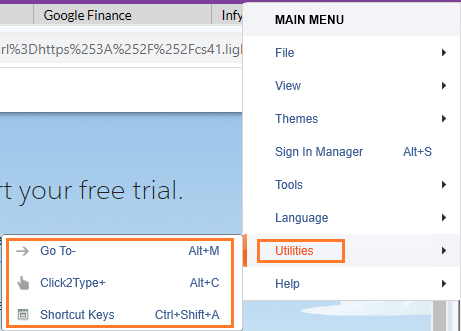
Alternatively, you can access this feature by right clicking the application. A tab is docked inside Engage just like any other browser.